
Iptv Solution
How to Choose a Streaming Device in the UAE: Smart TV, Apple TV, Android TV, or TV Box?
Aug
Choosing a streaming device is not only about buying the newest or cheapest product. The right choice depends on the television you already own, the applications you actually need, your home internet connection, the people who will use the device, and how much support you are comfortable managing over time.
Start with the problem you need the device to solve. You may only need an app on a recent Smart TV, a dedicated device because the TV no longer receives updates, an Apple-based setup, a Google-based setup, or an HDMI device for an older screen. This guide compares the four main choices and the checks to make before you spend money or ask for installation support.
Choose by Your Situation First
Before looking at brands, use this quick table to narrow the choice. It is more useful to choose based on your actual household situation than on a general product recommendation.
| Your situation | Usually worth considering | Why it may fit | Check before deciding |
| You own a recent Smart TV and want the fewest extra devices. | The TV’s built-in app platform. | It keeps the setup simple and reduces the number of cables and remotes. | Confirm the exact model, operating system, app store availability, storage, and update status. |
| You use an iPhone, iPad, or other Apple devices and want a separate streaming device. | Apple TV. | It can provide a consistent Apple-based interface and dedicated device hardware. | Check the model, HDMI connection, Apple Account requirement, and whether you need Ethernet. |
| You want a wide range of device choices and a Google Account-based setup. | Android TV or Google TV device. | It offers a familiar Google ecosystem on many televisions and separate devices. | Check manufacturer update support, storage, ports, app availability in your region, and the exact model. |
| Your television is older but has an HDMI port, or its built-in platform is no longer suitable. | A dedicated TV box or streaming stick. | It can give an existing television a newer streaming interface without replacing the screen. | Check power requirements, remote, HDMI compatibility, official app support, storage, and ongoing updates. |
The table is a starting point, not a guarantee. A device may look suitable on paper but still be wrong for your specific television, network, or accessibility needs. For example, a household with weak Wi-Fi in the living room may benefit more from solving the network path than from buying a more expensive streaming device. A customer who needs captions, voice guidance, or a simple remote should test those needs before choosing a platform.
1. Using Apps Directly on a Smart TV
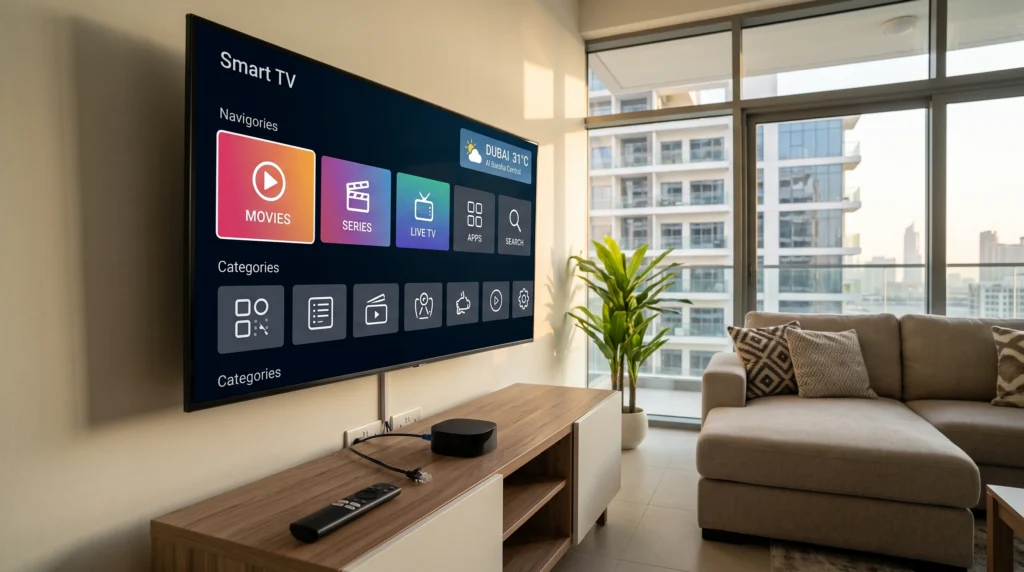
A smart TV is often the easiest place to start because the television already includes an operating system and an app store. Samsung, LG, Google TV, Android TV, Fire TV, Roku, and other platforms may all look different, so the exact television model matters more than the label “Smart TV.”
Benefits of a Smart TV Setup
The main benefit is simplicity: no separate box, HDMI input, power cable, or extra remote. A recent smart TV may provide official app access, built-in Wi-Fi, captions, voice controls, and app updates in a cleaner living room setup. It is often the easiest option when the television is fast enough and supports the apps a household genuinely needs.
Limitations to Consider
The main limitation is that smart TVs are not all equal. App availability can differ by television brand, country or region, operating-system version, and the age of the model. Older TVs may have slow processors, limited storage, fewer software updates, or an app store that no longer supports newer versions of applications. A television may still display a good picture while its built-in smart platform has become slow or unsupported.
You should also check connectivity. Some Smart TVs have Ethernet ports; others rely on Wi-Fi only. If your router is far from the television, a built-in app may struggle because of the connection location—not because the television itself is defective. Do not assume that a new app will repair a weak wireless signal.
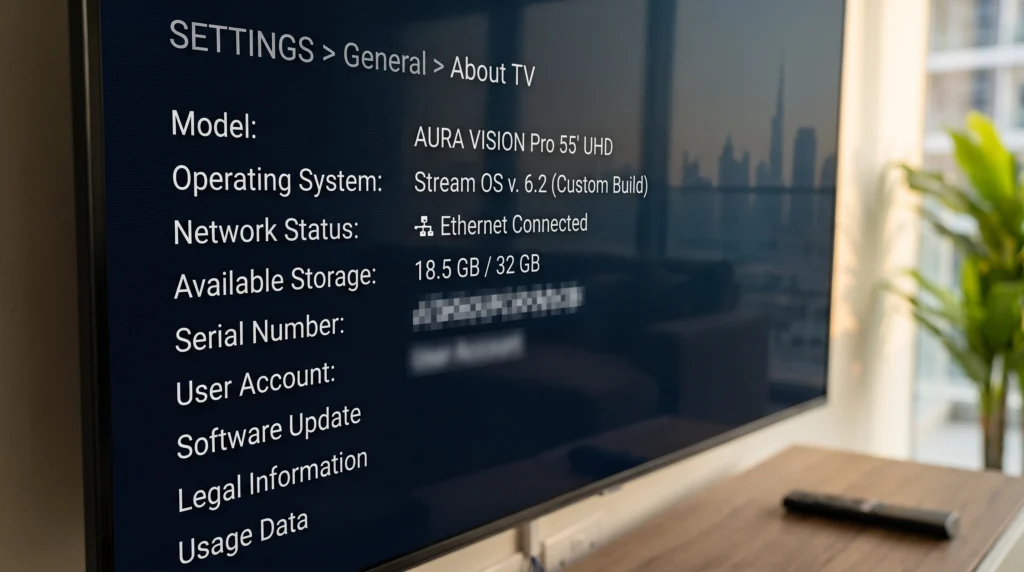
Before relying on a Smart TV, write down the brand, model number, operating system, software version, and whether it has an Ethernet port. This information will be useful if you later need support. If you are comparing player software, read our player-app comparison before deciding which application may suit your device.
2. Choosing Apple TV
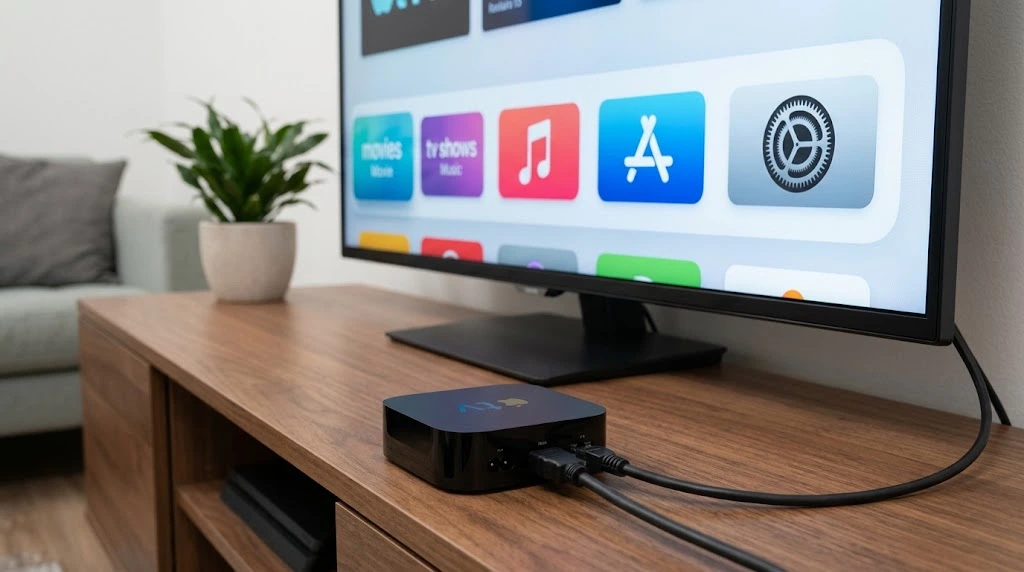
Apple TV is a separate streaming device that connects to a television through HDMI. It may suit users who already use Apple services or who prefer a dedicated device rather than relying on the television’s built-in platform. Apple’s current Apple TV 4K technical specifications list 64 GB Wi-Fi and 128 GB Wi-Fi + Ethernet configurations; the latter includes Gigabit Ethernet. Apple also states that an Apple Account is required for purchases, rentals, and Home Sharing, and that an HDMI cable is required but sold separately.
Benefits of Apple TV
Apple TV can offer a consistent Apple-based interface and a dedicated device when a television screen is still good but its built-in platform is slow or outdated. It may feel familiar in households that already use Apple devices. Apple lists accessibility features including VoiceOver, closed-caption and SDH support, audio descriptions, Zoom, Reduce Motion, and Switch Control for Apple TV 4K. Check those features on the exact device and within the apps you plan to use.
Limitations to Consider
Apple TV requires an additional purchase, another HDMI input, and its own power connection. You also need to confirm that the television and any sound system are compatible with the connection you plan to use. A 4K or HDR-capable streaming device does not create 4K or HDR output on a television that does not support it; Apple states that 4K and HDR streaming require a compatible 4K and HDR TV.
Network choice is also important. Apple’s current Wi-Fi model and Wi-Fi + Ethernet model differ, so a customer who wants a wired connection should verify the exact configuration before buying. App and service availability can vary by region and is subject to the policies of the official app store and individual service providers. A device alone does not provide content access, account entitlement, or universal app compatibility.
For device-specific setup steps, read our Apple TV installation guide. Use that guide as a starting point, then check the current official App Store listing and the exact app requirements before you install anything.
3. Choosing an Android TV or Google TV Device
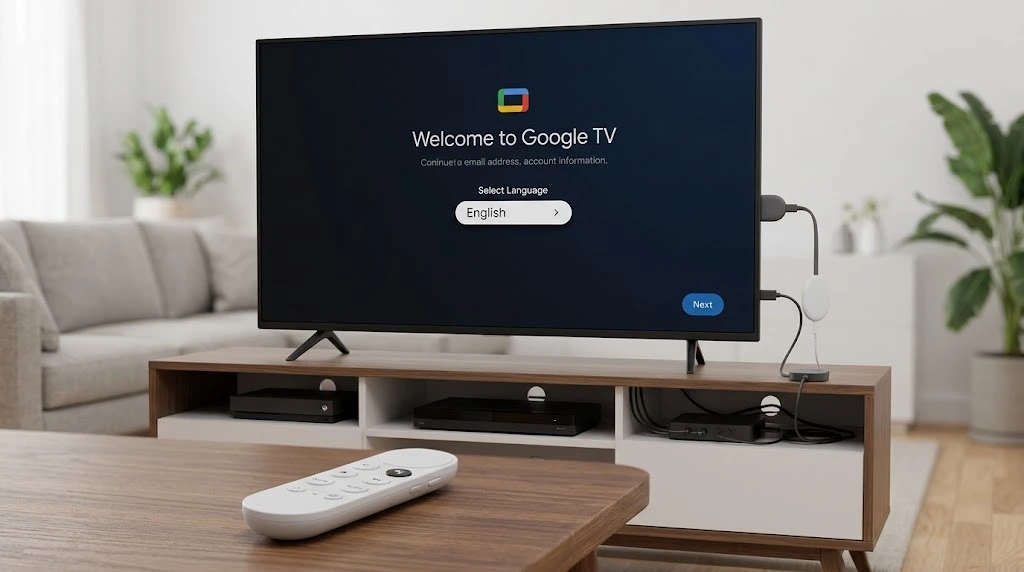
Android TV and Google TV are closely related platform families, but the device experience can vary by manufacturer. Some televisions have the platform built in, while others use an external streaming device connected through HDMI. Google’s own setup guidance says that Google TV setup requires a Google Account, a Wi-Fi or Ethernet connection, and a compatible Google TV device. It also notes that some features, services, or apps are not supported globally.
Benefits of Android TV and Google TV
The main advantage is choice. Google TV or Android TV appears in televisions, HDMI devices, and boxes with different prices, storage, remotes, and features. Many users also know the Google Account and app-store environment. Google TV supports phone-based and remote-based setup, and its documentation covers profiles, app installation, Bluetooth connections, and accessibility. Availability still depends on the exact model, software version, and region.
Limitations to Consider
Choice can also create confusion. Hardware quality, storage capacity, software-update commitment, remote control design, and port selection vary substantially across manufacturers. Two Android or Google TV devices may run similar software but perform very differently in daily use because of the hardware inside them.
A low-cost device may be tempting, but it can create problems if it receives limited updates, has insufficient storage, does not support the apps you need through official channels, or lacks a suitable network connection. Check whether the device supports the Wi-Fi band used by your home router and whether it offers Ethernet directly or through an officially supported accessory. Google notes that some Google TV devices have connection-specific requirements, including a 5 GHz Wi-Fi requirement for certain devices.
Always start with the official Google Play store or the manufacturer’s authorised app source. Avoid installing unknown files or following instructions that ask you to disable device security simply to add an app. The short-term convenience is not worth the account, privacy, and update risk.
If you are comparing different player applications for Android or Google TV, use our player-app comparison. If you are considering a specific IBO Player setup, review the device compatibility for IBO Player and confirm that your exact model is supported before you buy a device.
4. Choosing a Dedicated TV Box or Streaming Stick
A dedicated TV box or streaming stick is a separate device that connects to a television, usually through HDMI. It can be useful when a television is not smart, when the built-in platform is outdated, or when you want to keep the screen but upgrade the streaming interface. The Fire TV family, for example, includes smart TVs, streaming media players such as sticks and set-top boxes, and other form factors; the exact specifications vary by model.
Benefits of a Dedicated Device
A separate device can extend the useful life of a working television by adding a current platform, app store, storage, updates, and remote. It can also make troubleshooting clearer because you can test the HDMI input, the device, the app, and the television separately. Some models offer Ethernet or an Ethernet accessory for fixed television locations.
Limitations to Consider
A dedicated device adds complexity. It needs its own power source, HDMI connection, remote, updates, and sometimes a separate account. You must ensure that the television has an available HDMI input and that the device is placed where it receives adequate ventilation. Cheap or unsupported devices may create more maintenance work than they solve.
Do not assume that every box is equal. Some use different operating systems, some have different official app stores, and some may not receive reliable security updates. Before buying, check the manufacturer’s support policy, the model’s official documentation, current storage, network capability, remote design, and the availability of the apps you need through legitimate channels. Never choose a device based only on a claim that it can access everything; that is not a meaningful or trustworthy compatibility standard.
Home Network and Ethernet Considerations
Your streaming device is only one part of the setup. A powerful device on a weak network can still perform poorly, while a modest device on a stable connection may work well for ordinary use. Before buying new hardware, look at the physical location of the router, the distance to the television, the walls between them, the number of people using the network, and whether the device has an Ethernet port.
Ethernet creates a physical network connection between the device and the router. It can reduce some forms of wireless interference and may be a sensible choice for a fixed television location. However, it requires cable routing and compatible equipment. Wi-Fi is more flexible and convenient, but performance can change according to router position, distance, nearby networks, building materials, and other household devices.
Do not rely on one speed-test result. Test the connection where the device will be used. For persistent problems, start with our buffering checklist and freezing causes and first checks.
Accessibility, Family Use, and Long-Term Updates
Check whether the remote is clear, captions and audio descriptions are available, text can be enlarged, voice guidance is useful, and profiles or purchase controls can be managed. For family use, remember that PINs and parental settings vary between the device, app, and account; they are useful but do not replace active supervision.
Long-term support matters too. Look for a device with a clear manufacturer support path and ongoing updates. Keep the receipt, model number, and account recovery information safely stored for future troubleshooting or warranty checks.
Final Checklist: Information to Send Before You Ask for Setup Help
Before you contact support or choose a plan, collect the following information. It will help you get relevant guidance instead of a generic answer.
| Information to collect | Example | Why it matters |
| Television brand and model | “Samsung [model number]” or “LG [model number]” | Shows the likely operating system and available app options. |
| Separate streaming-device model | “Apple TV 4K Wi-Fi + Ethernet” or exact Android/Google TV model | Confirms ports, storage, remote, and setup path. |
| Connection method | Wi-Fi or Ethernet | Helps identify network and placement considerations. |
| Router location | Same room, another room, or another floor | Helps assess whether Wi-Fi coverage could affect the setup. |
| App name and version | Official app name from the app store | Helps avoid confusion between different applications. |
| Accessibility or family requirements | Captions, voice guidance, simple remote, purchase control, or PIN needs | Helps identify the practical daily-use requirements. |
| Exact problem, if one exists | Error message, time, and screenshot without private data | Gives support a clear starting point. |
Do not send passwords, payment-card details, Wi-Fi passwords, or private account information in public comments or unverified messages. Use the official Contact Us page for support options.
The Best Choice Is the One That Matches Your Real Setup
There is no single streaming device that is right for every UAE home. A recent Smart TV may be the simplest choice for someone who needs a straightforward app experience. Apple TV may suit a household that prefers Apple’s ecosystem and a dedicated device. Android or Google TV can offer broad device choice and familiar account setup, while a well-supported TV box can extend the life of an older HDMI television.
The right decision comes from checking the exact model, the official app availability, the network connection, accessibility needs, family-use requirements, and ongoing update support. Compare the device to your home—not to a marketing claim. If you need a broader explanation of the technology categories, read how internet-delivered TV differs from cable. If you have already selected your device, the next practical step is to set up the home network correctly and then follow the appropriate official installation guidance.
Related Reading
•Best IPTV Apps in Dubai: Best Picks for 2025
•Install IPTV in Apple TV in Dubai
•Install IBO Player in the UAE
•IPTV is only Buffering in the UAE | Causes and Complete Solution
•IPTV Freezing in the UAE: Why It Happens & 10 Proven Fixes That Actually Work
